

Page 1 (0s)
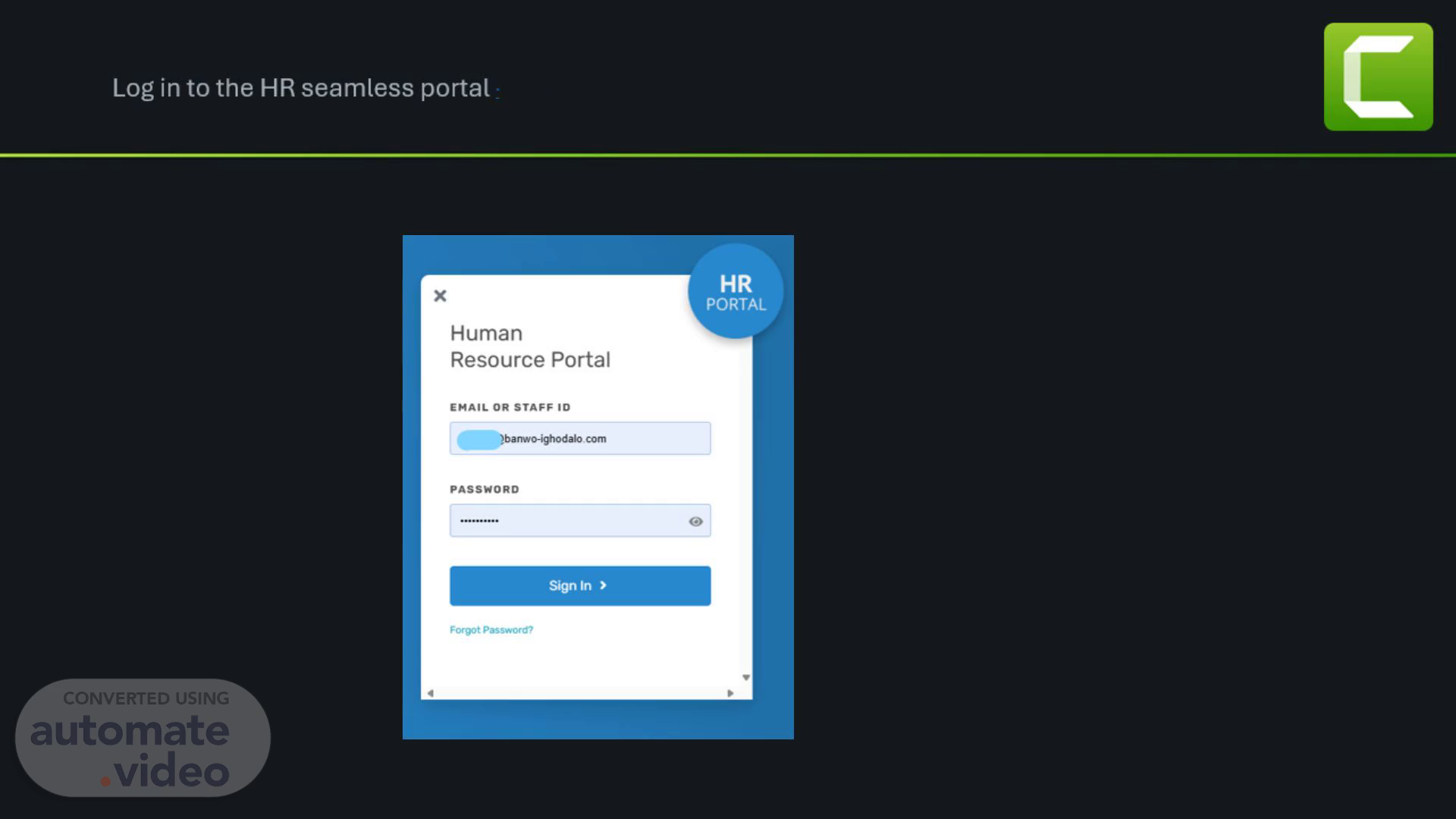
Log in to the HR seamless portal - Banwo-Ighodalo with your email address and the portal password.
Page 2 (10s)
Click on Performance navigate to Take an Appraisal to appraise yourself..
Page 3 (19s)
Click on the Change appraisal Cycle select END OF YEAR -PARTNERS/ COO 2024 and click on Start Appraisal to begin..
Page 4 (31s)
Fill in your score by clicking on Input Score and Save..
Page 5 (40s)
At the bottom of the page after completing the first part (BSC) click Compute Score to display your Employee Final score and click Next..
Page 6 (54s)
On the Core Values page, tick on your Ratings and input comment(optional).
Page 7 (1m 4s)
Click on Finish at the bottom of the page to complete your Self appraisal..
Page 8 (1m 14s)
Image of completed self-appraisal as shown below.
Page 9 (1m 22s)
To evaluate your peers, return to the HR home page click on Performance and navigate to Other Evaluations..
Page 10 (1m 33s)
On the Peer Review tab select the peer you want to appraise by clicking on Review button.
Page 11 (1m 44s)
Fill in the Core Values Rating for your peer and comment(optional)..
Page 12 (1m 53s)
Complete the peer Rating and select Next at the bottom of the page..
Page 13 (2m 3s)
Enter your Remarks in the comments box and click on Finish to complete your peer appraisal.
Page 14 (2m 13s)
Go back to the Home page, select Performance and Peer review to appraise your other peers.